



OGame Fleet Save Guide: How to Protect Your Fleet While Offline
Every safe OGame fleet save method ranked, from planet deployments to moon-to-moon saves, plus Sensor Phalanx rules, timing, tactical retreat and the truth about auto fleet save.
Short answer: a fleet save means sending your whole fleet, loaded with your resources, on a mission before you log off, because ships in flight cannot be attacked. Without a moon, the safe choice is a Deployment from one of your planets to another, which you recall when you are back. With a moon, the safest method is a moon-to-moon Deployment: a Sensor Phalanx cannot see it at either end. Plan the flight so that you are online before it lands. OGame has no built-in "auto fleet save".
"If it sits, it gets hit" is one of the oldest sayings in OGame. A fleet parked on a planet while its owner sleeps is the most profitable target in the game: the attacker gets the resources and a debris field full of your ships. Fleet saving (players write it as fleetsave, fleet save or simply FS) is how you make sure there is nothing to hit.
This guide covers which missions are safe, how the Sensor Phalanx exposes the unsafe ones, how to time a save, and the mistakes that still get fleets crashed.
In this guide
- What a fleet save is
- How the Sensor Phalanx sees your fleet
- Fleet save methods ranked by safety
- Fleet saving without a moon
- Fleet saving with a moon
- Timing a fleet save: speed, distance and fuel
- Tactical retreat is not a fleet save
- Is there an auto fleet save?
- Common mistakes that get fleets crashed
- Fleet saving on fast universes
What a fleet save is
Ships only exist at a location (a planet, a moon or a debris field) once they arrive there. While a fleet is travelling, it is not a valid target. A fleet save uses this rule: before you go offline you load every Large Cargo with metal, crystal and deuterium and send the whole fleet on a mission that will not land before you are back.
Two things decide whether a fleet save works:
- The mission type. Some missions can be seen by an enemy Sensor Phalanx, which lets them calculate the exact second your fleet lands. Others cannot be seen at all.
- The timing. The fleet has to be in the air for the whole time you are away. If it lands while you are still asleep, it is parked again, just somewhere else.
Defence does not replace a fleet save. Defence protects a planet's production, but a determined attacker or an ACS group will still break it if a fleet worth millions is sitting behind it. Our defence ratio guide covers how to size a defence line for the planet itself.
How the Sensor Phalanx sees your fleet
The Sensor Phalanx is a moon building. A scan costs 5,000 deuterium and shows every fleet flying to or from the scanned planet, with its ship composition and arrival time. Its range is (level² − 1) solar systems, so a level 5 Phalanx covers 24 systems in each direction and a level 8 Phalanx covers 63.
The rules that matter for fleet saving:
- Only planets can be scanned. A moon cannot be scanned, so missions that start and end on moons are invisible.
- A mission from a planet is visible when that planet is scanned, both on the way out and on the way back.
- A recalled Deployment disappears from the Phalanx. It is the only mission to or from a planet that becomes invisible, which is why it is the standard fleet save for players without a moon.
- Phalanx scans are not reported to you. Assume that any active player near you with a moon can see you.
The galaxy map guide shows how to find the moons around you. The espionage guide explains the probes that attackers send before a hit.
Fleet save methods ranked by safety
| Method | Seen on departure? | Return seen? | Safety |
|---|---|---|---|
| Moon → moon Deployment | No | No | Highest |
| Moon → ACS Defend on an ally's moon | No | No | High |
| Planet → planet Deployment, recalled | Yes | No, once recalled | High (best without a moon) |
| Moon → Colonisation that cannot succeed | No | No | Medium |
| Moon → Recycle Debris Field | No | Timing can leak | Medium |
| Planet → Attack or Transport | Yes | Yes | Low |
| Planet → Recycle Debris Field | Yes | Yes | Very low |
| Expedition | - | - | Not a fleet save: the fleet can be lost |
Fleet saving without a moon
Before your first moon, use a Deployment from one of your planets to another of your planets, with the whole fleet and all resources on board.
- Pick a destination and speed that keep the fleet flying longer than you will be offline.
- When you log back in, recall the Deployment before it lands. The fleet turns around and flies home, and from that moment it is invisible to the Phalanx.
- If you let it land, the fleet is stationed on the target planet. It is safe only if you are online at that moment.
The weakness is the outbound leg: a Phalanx on the departure planet can see where you are going and when you would arrive. An attacker can wait at your destination for the landing. Recalling at a different time every day beats this, because the return time depends on when you recall.
Attack, Transport and debris field missions from a planet are visible for the whole trip and on the way back. Do not use them to fleet save until you have a moon.
Fleet saving with a moon
A moon changes everything, because missions that start from a moon cannot be seen. Move the fleet and the resources to the moon first. The Phalanx sees planet-to-moon flights too, so do this well before you log off, not in the last minute.
- Moon-to-moon Deployment (the gold standard). Neither end can be scanned, and you can still recall it. Two moons in the same system keep the deuterium cost low. The only real threat is a Deathstar fleet using Moon Destruction on one of your moons, which is expensive and rarely worth it for the attacker.
- ACS Defend on an ally's moon. Your fleet holds at a friendly moon and returns later. It is invisible, but you depend on the ally's moon staying alive.
- Colonisation save. Send the fleet plus a Colony Ship from the moon to an empty planet slot where colonisation will fail because your Astrophysics level allows no more colonies. Outsiders cannot tell that it will fail. Check your colony limit first: if the colonisation succeeds, your resources are dropped on a brand-new planet.
- Recycle Debris Field from the moon. The departure is invisible and you may earn something. But when the debris field disappears, a watching fleeter knows your fleet arrived there and can calculate the return. Recall before arrival, or use a debris field on an empty position that nobody else watches.
Splitting a very large fleet into two or three saves with different landing times means one successful hit only catches part of it.
Timing a fleet save: speed, distance and fuel
Flight time depends on the distance, the slowest ship's speed, the speed setting (10% to 100%) and the universe's fleet speed. A fleet at 10% speed takes about ten times longer than at 100%, and it uses much less deuterium.
- Use the OGame Flight Time Calculator to find a speed and destination that land 30 to 60 minutes after you normally log in.
- Check the arrival and return times in the Fleet movement screen after sending. A typo in the coordinates is a classic way to lose a fleet.
- Keep enough deuterium on board for the return flight. Heavy fleets over long distances burn a lot of fuel.
- Change the landing time every day. Players who always land at 07:00 get hit at 07:00:01 by attackers who learned their routine without ever seeing a Phalanx report.
Tactical retreat is not a fleet save
OGame has a tactical retreat: a defending fleet flees before the battle if the attacking fleet has more than five times as many points. With the Admiral officer you can lower that ratio to 3:1 in the fleet menu. Espionage Probes, Solar Satellites and Deathstars never flee, defence is not counted, and the retreat needs deuterium on the planet.
Treat this as a last-resort safety net, not a plan. An attacker can send a fleet that is just under the ratio, or tick "Return upon retreat by defenders" and come back when your fleet is home. Your resources on the planet are also still lootable.
Is there an auto fleet save?
No. Every fleet save in OGame is a mission you send yourself. When players search for "auto fleet save", they usually mean one of two things:
- Reminders and timers, such as browser notifications or a phone alarm for your return times. These are fine.
- Scripts that send fleet saves for you while you are offline. That is automation, which the game rules forbid. Accounts get banned for it. Our bots and scripts guide lists what is tolerated and what is not.
For a planned absence of several days, vacation mode is the legal alternative: it protects your planets, but production stops and you cannot use it with fleets in flight.
Common mistakes that get fleets crashed
- Landing at the same time every day. Predictable players do not need to be phalanxed.
- Leaving resources behind "just this once". A full planet with a fleet on it is exactly what attackers look for.
- Flying from a planet when you own a moon. Always move the fleet to the moon and send it from there.
- Sending a colonisation save when you still have a free colony slot. The colony succeeds and your resources are stuck on a new, undefended planet.
- Forgetting the Espionage Probes and Solar Satellites. They cannot flee and are easy debris for an attacker.
- Being slow when you come back online. Recall first, then read your messages.
Fleet saving on fast universes
On universes with a high fleet speed, flights are short. A save that lasts eight hours in a normal universe may last only minutes. Use 10% speed and long distances, including flights to another galaxy. Save more often, and never log off for "five minutes" without one.
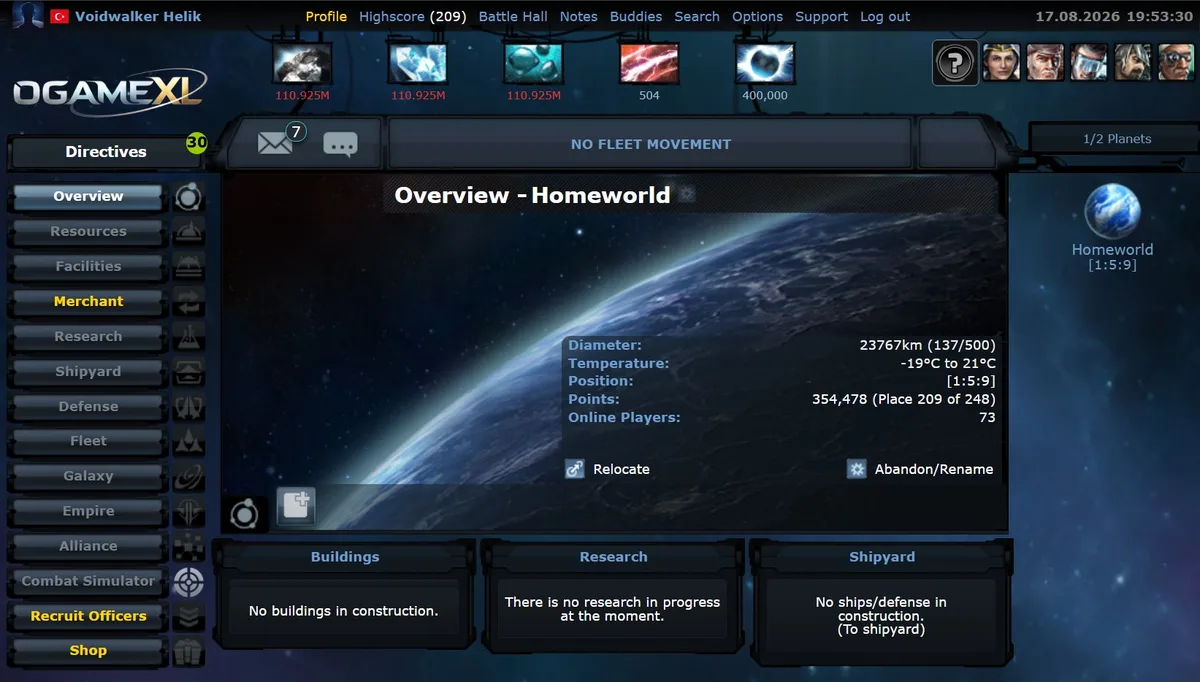
OGameXL is a fast x1000 universe that recreates OGame as it was before Lifeforms. Moons, the Sensor Phalanx and all the fleet save methods above work exactly the same. If you enjoy the classic fleeter game of phalanx timing and moon saves, it is worth a look. The OGameXL overview explains the settings.
Sources
- OGame Forum Origin: "Guide 06: Fleetsaving Guide".
- OGame Wiki: Fleetsaving, Sensor Phalanx and Tactical Retreat articles.
- Mission names as used in the official OGame game data (localization API).
Related Guides
Frequently Asked Questions
What's Your Reaction?
 Like
0
Like
0
 Dislike
0
Dislike
0
 Love
0
Love
0
 Funny
0
Funny
0
 Wow
0
Wow
0
 Sad
0
Sad
0
 Angry
0
Angry
0

Playing and helping run OGame.life since its early seasons. Every build order, fleet composition, and expedition setup covered in these guides has been tested first-hand on our own servers before being written up.








Comments (0)