



OGame Emergency Login: Is It Safe? How to Log In When the Lobby Is Down
There is no official OGame emergency login. Why third-party login pages put your account at risk, how OGame login works through the Gameforge lobby, and what to do when the lobby is down.

Short answer: there is no official "OGame emergency login". The only official way into OGame is the Gameforge lobby at lobby.ogame.gameforge.com, with your Gameforge account. Websites offering an "emergency login" are third-party pages, and typing your password into one puts your account at risk. If the lobby is down, check the official forum or Discord, wait for the fix, and never hand your login to anyone: Gameforge support will never ask for your password.
"OGame emergency login" is searched in many languages, usually by someone who cannot reach the lobby and needs to save a fleet in the next few minutes. That is exactly the moment people make risky decisions, so it is worth knowing the facts in advance.
In this guide
- Is there an official OGame emergency login?
- Why "emergency login" sites are risky
- How OGame login works today
- What to do when the lobby is down
- How to protect your account
- If you think your account was compromised
Is there an official OGame emergency login?
No. In OGame's early years, when the old portal page went down, community-made "emergency login" pages circulated on forums and fan sites so players could reach their universe directly. Some of those pages and their copies still show up in search results today.
The game has changed since then. Game accounts now live inside a Gameforge lobby account, and OGame's own rules state that the owner of a game account is the owner of the lobby account it belongs to. Access goes through the lobby, and Gameforge does not provide a separate "emergency" entrance.
Why "emergency login" sites are risky
- You cannot verify who runs them. A page that asks for your email and password can store them, whatever it promises.
- Your lobby account covers every universe. Losing it means losing every OGame account on it, not just one.
- Account sharing is against the rules. Letting another person or service log in for you breaks OGame's account rules, and infringements can lead to a permanent ban of the lobby account.
- Recovery is not guaranteed. If a stolen account is emptied or its Dark Matter spent, you are relying entirely on support being able to verify you as the owner.
Rule of thumb: the only places you should ever type your OGame password are gameforge.com and the OGame lobby on ogame.gameforge.com.
How OGame login works today
- Go to lobby.ogame.gameforge.com (or start from the official site ogame.gameforge.com).
- Log in with your Gameforge account email and password, or the sign-in method you registered with.
- Pick your universe from the list of accounts and click Play.
On phones you can also use the official OGame app, which uses the same Gameforge account.
Playing on OGame.life rather than an official universe? That is a different account system; our OGame.life login guide covers it.
What to do when the lobby is down
| Symptom | What to try |
|---|---|
| The lobby does not load for you, but others can play | Hard-refresh the page (Ctrl+F5), clear cache and cookies for ogame.gameforge.com, try another browser or disable add-ons. After major updates, stale cache is a common cause. |
| The lobby loads but your universe does not | Check the News and Changelogs sections of your community's official forum for maintenance or an ongoing rollout. |
| Nobody can log in | Look for an announcement on the official forum or the OGame Discord and wait for the fix. Do not look for workarounds on third-party sites. |
| Only your account is affected | Use the password reset from the lobby, then open a support ticket if it still fails. |
Our OGame forum guide lists the official board for every community, and the support ticket guide explains what to include in a ticket.
Plan for outages before they happen
The real protection against "I cannot log in and my fleet is about to be hit" is a routine that does not depend on logging in at the right moment: send long fleetsaves before you go offline, keep resources spent, and use moons for safer saves. The fleet save guide covers exactly that.
How to protect your account
- Turn on two-factor authentication in your Gameforge lobby account settings.
- Use a unique password that you do not use on any fan site, forum or tool.
- Never share your login. If someone needs to look after your account, use the official sitting codes in the lobby. An account may be sat for up to 48 hours, and it cannot carry out battle activities with other players while being sat.
- Remember that staff never ask for your password. OGame's rule clarifications state this explicitly. Anyone asking is not support.
- Only install tolerated add-ons. Tools that are not on the official tolerated list are not allowed, and some unofficial tools ask for credentials.
If you think your account was compromised
- Change your Gameforge password immediately and enable two-factor authentication.
- Change the password anywhere else you reused it.
- Open a ticket at the official OGame support site and describe what happened, including the approximate time. Support only handles issues from roughly the last three months, so do not wait.
A calmer way to play
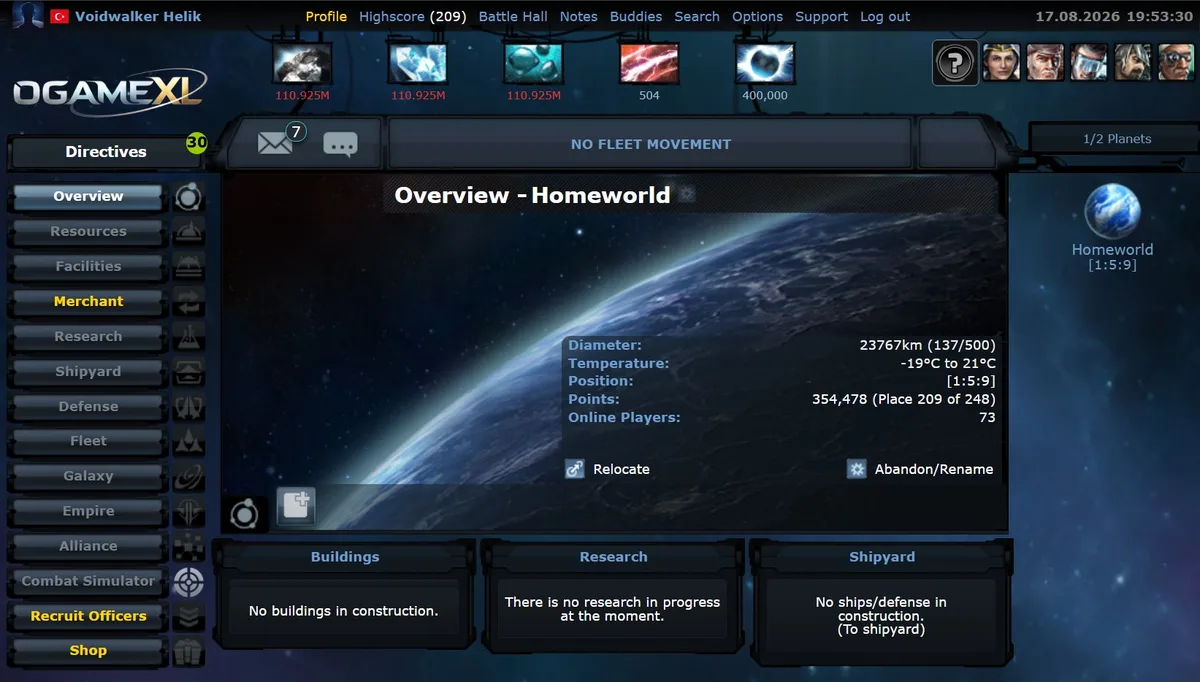
Much of the panic around logins comes from how punishing a missed login can be on a slow universe, where one lost fleet costs months. On a fast universe a loss is recoverable in days. OGameXL runs classic, pre-Lifeforms OGame at x1000 speed in the browser, with its rules published openly before you register.
Sources
- OGame Forum: "Game Rules" (accounts, account sitting, breach of rules, support) and "OGame.org - Game Rules Clarifications".
- OGame Origin forum: "Important for users: About toleration and tolerated tools".
- Gameforge lobby server list and account settings, checked September 2026.
Related Guides
Frequently Asked Questions
What's Your Reaction?
 Like
0
Like
0
 Dislike
0
Dislike
0
 Love
0
Love
0
 Funny
0
Funny
0
 Wow
0
Wow
0
 Sad
0
Sad
0
 Angry
0
Angry
0

Playing and helping run OGame.life since its early seasons. Every build order, fleet composition, and expedition setup covered in these guides has been tested first-hand on our own servers before being written up.












Comments (0)