



OGame Bots & Scripts: Are They Allowed? Rules, Bans and Tolerated Tools (2026)
Bots are not allowed in OGame. What the official rules say about scripts, which tools are tolerated, whether an auto fleetsave exists, the bashing system and how to report a suspected bot.

Short answer: no, bots are not allowed in OGame. The official Game Rules prohibit "using a programme as an interface between the player and the game", and punishments range from warnings to a permanent ban. The only tools you may use are those on the official Tolerated Tools list on the OGame Origin forum, such as AntiGameReborn, OGLight or OGame Infinity. If a tool is not on that list, it is not permitted, wherever it is published. There is no official auto fleetsave.
Searches like "OGame bot", "auto fleet save" or "OGame automizer" usually come from one of two groups: players tired of losing to accounts that seem to be online 24 hours a day, and players wondering whether they could automate the boring parts themselves. Both deserve a straight answer about what the rules actually say.
In this guide
- What OGame's rules say about bots and scripts
- Tolerated tools: what you are allowed to use
- Is there an auto fleetsave?
- Other rules that get accounts banned
- The bashing system
- How to report a suspected bot
What OGame's rules say about bots and scripts
Rule 5 of the official OGame Game Rules, "Bugusing / Scripting", says:
- Intentionally using a bug for anyone's profit, or intentionally not reporting a bug, is strictly forbidden.
- Using a programme as an interface between the player and the game is prohibited.
- Any other form of automatically generated information created for malicious misuse is forbidden as well.
- Exceptions are listed in the game's forum.
Rule 9 adds that any breach "will be punished with warnings up to a permanent ban of the account", with the Game Operators deciding the type and length of the punishment.
In plain terms: anything that clicks, sends fleets, builds or reacts to attacks for you is a bot, whether it runs in your browser, on a server or on a phone. Selling it as "assistance", "automation" or "a smart fleetsave" does not change that.
Tolerated tools: what you are allowed to use
The "exceptions listed in the forum" are the Tolerated Tools section of the OGame Origin forum (forum.origin.ogame.gameforge.com). Its rules are strict:
- Only tools listed in that section are tolerated. If a tool is not listed, it is not permitted, regardless of where it is published.
- That includes tools on the Chrome Web Store, Mozilla Add-ons, Google Play or the App Store: they must also be submitted, reviewed and listed.
- Generally only the latest version posted in the section is legal. Features that were not presented and approved there can lead to sanctions.
- Tolerated tools are used at your own risk regarding security and data protection. Gameforge does not verify them in that respect.
- Checking that a tool is tolerated is your responsibility.
Tools listed in the section as of September 2026 include:
| Tool | What it is used for |
|---|---|
| AntiGameReborn | Browser add-on that extends the game interface, the successor to the original AntiGame |
| OGLight, OGame Infinity | Browser extensions that add information and convenience to the game interface |
| PTRE / EasyPTRE | Sharing espionage reports, for example with your alliance over Discord |
| OGame Nexus, OGame Multiverse, OGame Universe Map | Community-made overview and universe map tools |
The list changes, and tools can be removed. Always check the current section before installing anything. Our AntiGame guide covers the best-known add-on.
Is there an auto fleetsave?
No official one. OGame has no setting that saves your fleet automatically when an attack is detected. The closest built-in protection is the tactical retreat for weaker players, which lets a defending fleet flee from a much stronger attacker (see our newbie protection guide).
A third-party program that watches your account and launches fleetsaves for you is exactly "a programme as an interface between the player and the game", so it falls under Rule 5 unless it is on the tolerated list. The legal alternative is a good manual routine: long saves before you go offline, moon-to-moon saves where possible, and spending resources before logging out. The fleet save guide walks through it.
Other rules that get accounts banned
| Rule | What it means in practice |
|---|---|
| Multi account | One account per player per universe. If several accounts are played from the same network (school, university, café), notify a Game Operator in advance through support. |
| Account sharing | Each account is played by one person. Lobby details must not be passed on; doing so can lead to a permanent ban of the lobby account. |
| Account sitting | Allowed only through the lobby's sitting codes, for up to 48 hours, and a sat account cannot carry out battle activities with other players. |
| Pushing | A lower-ranked account may not give unfair profit to a higher-ranked one: resources sent with nothing in return, staged battles, or manipulated trade ratios. Trades, recycling help and ACS splits must be completed within 72 hours. |
| Account trading | Game accounts may only be passed to another user with the lobby's Account Gifting function. Lobby accounts cannot be transferred. |
| Bug abuse | Using a bug or not reporting it is forbidden. |
The bashing system
Since version 11.8.0, OGame enforces its bashing limit through a built-in system rather than only through reports. According to the official FAQ:
- An attack counts towards the bashing counter if the attacker wins or the battle is a draw. If the defender wins, the counter does not increase.
- Fleets made only of espionage probes never count on universes without probe storage. On universes with probe storage, attacker wins count.
- A player who has reached the limit on a planet or moon cannot join an ACS attacking it, and cannot send espionage missions with other ships there. Normal probe-only espionage still works.
- Each universe publishes its limit; on English universe 1, for example, the public server data lists a bash limit of 6.
How to report a suspected bot
- Do not accuse players publicly in chat or on the forum. Activity patterns alone are not proof, and public accusations can break forum rules.
- Collect specifics: player name, universe, times, and what looked automated (for example identical fleetsave timings every night to the second).
- Open a support ticket at the official OGame support site. For privacy reasons, Gameforge only discusses actions on an account with its owner, so you will usually not hear the outcome.
Our support ticket guide explains how to write a ticket that gets looked at.
Fair play on a fast universe
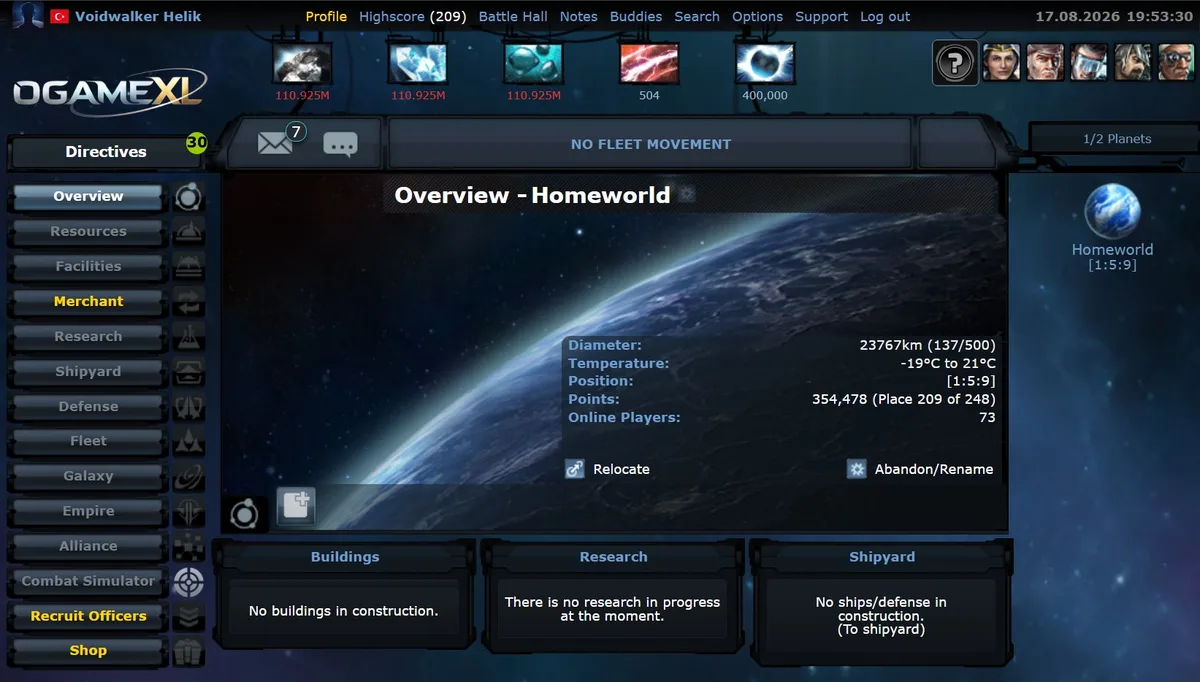
Bots are most tempting where the game is slowest: when one missed night can cost a year of progress, automation looks like insurance. A faster universe removes much of that pressure. OGameXL recreates pre-Lifeforms OGame at x1000 speed, publishes its full rules before you register, and allows one account per universe.
Sources
- OGame Forum: "Game Rules" (rules 1-5, 9 and 12) and "FAQ - Bashing System".
- OGame Origin forum: "Important for users: About toleration and tolerated tools" and the Tolerated Tools section, checked September 2026.
- OGame public API: serverData.xml for English universe 1.
Related Guides
Frequently Asked Questions
What's Your Reaction?
 Like
0
Like
0
 Dislike
0
Dislike
0
 Love
0
Love
0
 Funny
0
Funny
0
 Wow
0
Wow
0
 Sad
0
Sad
0
 Angry
0
Angry
0

Playing and helping run OGame.life since its early seasons. Every build order, fleet composition, and expedition setup covered in these guides has been tested first-hand on our own servers before being written up.









Comments (0)