



OGame Newbie Protection & Vacation Mode Explained (Rules, Limits, Mistakes)
How OGame newbie protection and weaker-player protection work, the galaxy markers, the tactical retreat, how protection ends, and everything about vacation mode: requirements, duration and common mistakes.
Short answer: newbie protection stops much stronger players from attacking you (and you from attacking them) based on a points ratio; on newer universes it works as a permanent 1:10 protection plus a 100-rank window in the military ranking, and it is lost after 7 days of inactivity. Vacation mode freezes your whole account: nobody can attack you and you cannot attack, but production stops too. It needs empty build and research queues and no flying fleets, and it lasts at least 48 hours (24 hours on speed universes).
Both systems exist to keep weaker or absent players in the game, and both are misunderstood. Players lose fleets the day protection ends, or discover they cannot activate vacation mode while an attack is already on its way. Here is how each actually works.
In this guide
- How newbie protection works
- Galaxy view markers: n, s, i, I, v
- Tactical retreat: the fleet escape
- How you lose protection
- How vacation mode works
- "I can't activate vacation mode"
- Common mistakes
How newbie protection works
There is one simple principle underneath every version: anyone you can attack can also attack you, and anyone you cannot attack cannot attack you. The details depend on the universe, because OGame has used two systems.
Weaker-player protection (newer universes)
Gameforge introduced a permanent protection for weaker players on new universes. According to its official announcement:
- There is no limit by points or time: the protection is permanent.
- You are protected from players with more than 10 times your total points (a 1:10 ratio).
- In addition, players can always attack the next 100 ranks in the military ranking. Meeting either condition is enough.
- A weaker player can always attack a stronger one, but attacking a player who is too strong removes your own protection for seven days. The galaxy view warns you before you do.
- Protection is lost after seven days of inactivity, until your next login.
Points-based newbie protection (classic rules)
Older universes, and many guides, describe a protection that ends at a points threshold. Below the threshold, a player cannot attack or be attacked by someone with more than five times their points, or less than a fifth. Once you pass the upper limit, you are fully out of protection and anyone above the limit can attack you.
Each universe publishes its own values. The public server data (serverData.xml in the OGame API) includes the fields newbieProtectionLimit and newbieProtectionHigh; on English universe 1 they are set to 50000 and 10000. Check your universe's values rather than trusting a number from an old guide.
Galaxy view markers: n, s, i, I, v
| Marker | Meaning |
|---|---|
| n (green) | Protected from you because they are too weak. You cannot attack them. |
| s (red) | Too strong for you while you are protected. They cannot attack you either. |
| i | Inactive for at least 7 days |
| I | Inactive for at least 28 days |
| v | In vacation mode: cannot be attacked |
| b, o | Banned, outlaw |
Inactive players do not keep their protection, which is why inactives are the classic raid targets. The same status letters appear in the public API; see our OGame stats guide.
Tactical retreat: the fleet escape
The weaker-player system also lets an outgunned fleet escape instead of being destroyed:
- If the attacker is at least 5 times stronger (5:1), the defending fleet flees and returns after the battle. The Admiral officer lets you change that ratio (to 3:1).
- Defences are not counted, civil ships only partly, espionage probes not at all. ACS attacks and holding fleets are counted together.
- Deathstars, espionage probes, solar satellites and holding fleets cannot flee.
- Fleeing costs deuterium. If there is not enough deuterium on the planet, no ship escapes.
- Resources are not saved by the retreat, only ships.
- You can switch the automatic escape off in the fleet menu, for example when you want a moonshot.
Treat the retreat as a safety net, not a plan. It will not help against an attacker only three times stronger, and it disappears together with your protection. Learn to fleetsave early.
How you lose protection
- Going inactive for seven days.
- Attacking a player who is too strong (on the weaker-player system: seven days without protection).
- Growing past the limit on points-based universes. Strong players watch the highscore for accounts that just crossed it.
- Your points dropping does not cancel fleets already on their way: an attack launched while you were attackable still lands.
How vacation mode works
Vacation mode is switched on from the Options/Settings page. Per the official FAQ and the OGame Wiki:
- Nobody can attack you, and you cannot attack anyone.
- Production stops. Mines do not accumulate resources while the account is frozen.
- The minimum duration is 48 hours, or 24 hours on speed universes. You cannot leave earlier.
- Vacation mode is not a way to dodge an attack already on its way: plan it before a fleet is launched at you.
- It does not replace logging in forever. On official universes, accounts that are inactive for 60 days or more, still hold purchased Dark Matter and are in vacation mode are moved to the Graveyard universe, from where they can later be moved to an active universe.
After you return, check your resource settings and production factors on every planet before assuming everything is running at full speed.
"I can't activate vacation mode"
Vacation mode can only be activated when:
- No building is being constructed on any planet or moon.
- All shipyard queues (ships and defences) are empty.
- No research is running.
- None of your fleets are flying, including expeditions and fleetsaves.
If all four are true and it still refuses, the OGame Wiki's advice is to check every planet again, including moons, for a forgotten queue.
Common mistakes
| Mistake | Better |
|---|---|
| Attacking a much stronger player "just to test" | Read the galaxy view warning; on newer universes you lose protection for 7 days |
| Relying on the tactical retreat overnight | Fleetsave; the retreat only works at 5:1 and costs deuterium |
| Leaving resources on planets before a long break | Spend them, then activate vacation mode |
| Starting vacation mode after spotting an incoming attack | Activate it before you leave, with empty queues |
| Staying just below the protection limit for weeks | Build fleetsave habits and a moon before you cross it |
Protection on a fast universe
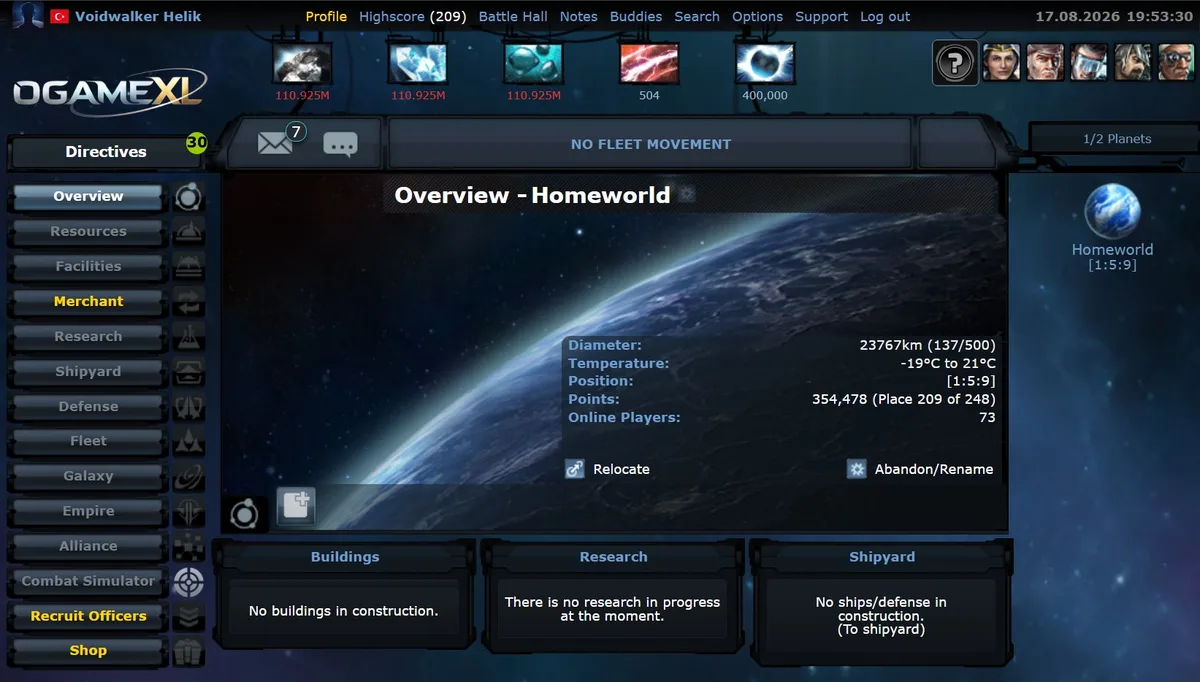
On a slow universe, growing past protection is a frightening milestone because a lost fleet takes months to replace. On a fast one, losses heal in days. OGameXL recreates classic pre-Lifeforms OGame at x1000 speed; its published rules cap vacation mode at 30 days and clean up long-inactive accounts (removal possible after 75 days, automatic deletion at 120), which keeps the galaxy map free of dead planets.
Sources
- OGame Forum: "New/Weaker Player Protection" (official announcement and summary), "Vacation Mode" FAQ, "FAQ - Inactivity Transfer Script".
- OGame Wiki: Newbie Protection, Tactical Retreat, Vacation Mode, Inactive Players.
- OGame public API: serverData.xml for English universe 1.
Related Guides
Frequently Asked Questions
What's Your Reaction?
 Like
0
Like
0
 Dislike
0
Dislike
0
 Love
0
Love
0
 Funny
0
Funny
0
 Wow
0
Wow
0
 Sad
0
Sad
0
 Angry
0
Angry
0

Playing and helping run OGame.life since its early seasons. Every build order, fleet composition, and expedition setup covered in these guides has been tested first-hand on our own servers before being written up.









Comments (0)