



OGame Support Ticket (2026): How to Get a Fast Response
Maximize your gaming experience with our essential guide on using Ogame support tickets. Learn how to navigate the support system and craft effective tickets!

Navigating the Ogame support ticket system can be a bit daunting, but knowing how to use your Ogame support ticket effectively can make a world of difference. Whether you're facing technical issues or need clarification on gameplay, crafting a well-thought-out support ticket ensures your concerns get the attention they deserve. In this post, we’ll dive into essential tips that will help you communicate your needs clearly, transforming the way you seek assistance in the game. Let’s get started on maximizing your support experience!
Understanding the Ogame Support Ticket System
Navigating the Ogame support ticket system may seem tricky at first, but it’s pretty straightforward once you break it down. Here’s what you need to know:
- Purpose: The Ogame support ticket system helps players report issues, get answers, and resolve technical problems. It’s your direct line to the game’s support team.
- How it Works:
- Log into your Ogame account.
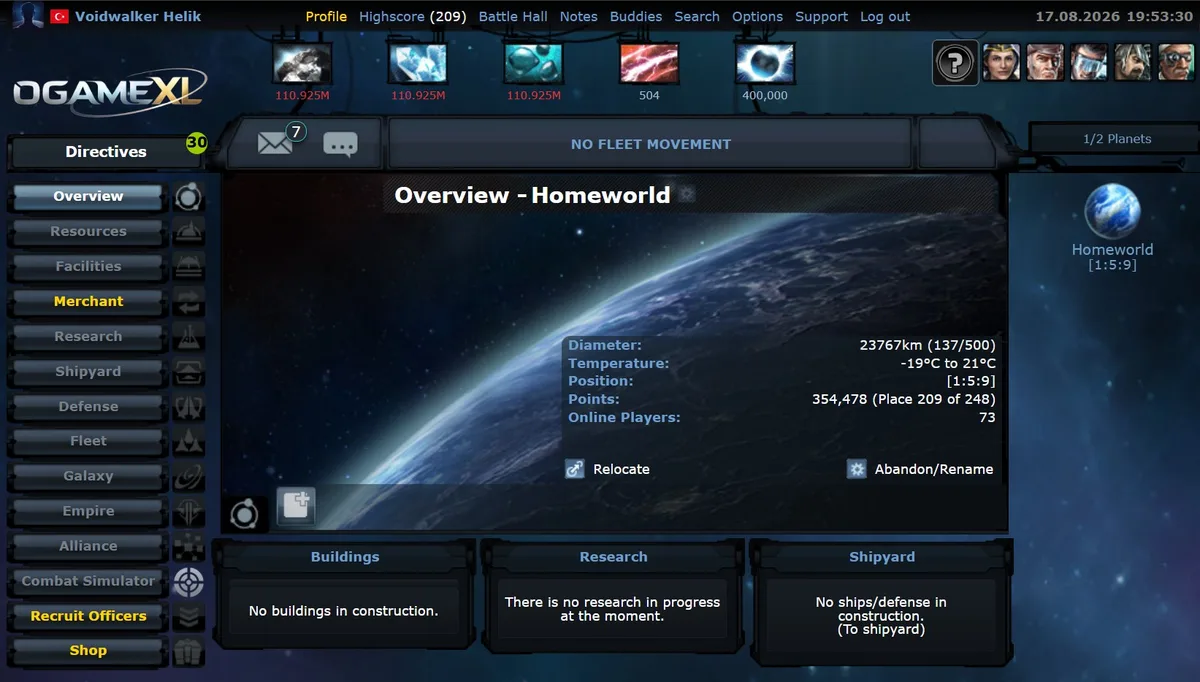
- Locate the support section, typically found in the game’s menu.
- Submit your ticket detailing your issue or question.
- Response Time: Generally, the support team aims to respond within a few days, but it can vary based on the volume of requests.
- Tips for Using:
- Be clear and concise in your explanation.
- Include any relevant screenshots or examples.
- Use the Ogame support ticket tracking system to monitor your ticket's progress.
By understanding these key aspects, you’ll maximize the effectiveness of your Ogame support ticket and get the help you need faster!
Tips for Writing an Effective Support Ticket
Writing an effective Ogame support ticket can make all the difference in getting the help you need quickly. Here are some handy tips to ensure your ticket stands out and gets the attention it deserves:
- Be Clear and Concise: Start with a brief summary of your issue. Use straightforward language to describe what’s happening.
- Provide Details: Include specific details, like your account name, server, and any relevant dates. This information helps the support team understand the context.
- Attach Screenshots: If possible, include screenshots that illustrate the problem. A visual can clarify complex issues and speed up the resolution.
- Stay Polite and Professional: Remember, the support staff is there to help. A friendly tone can foster a better response.
- Check for Updates: Before submitting, see if there are any known issues or updates in the game that might resolve your problem.
Using these tips will enhance your chances of getting a timely and effective response to your Ogame support ticket. So, take a moment to craft your message thoughtfully!
Related Guides
Frequently Asked Questions
What's Your Reaction?
 Like
0
 Dislike
0
 Love
0
 Funny
0
 Wow
0
 Sad
0
 Angry
0

Playing and helping run OGame.life since its early seasons. Every build order, fleet composition, and expedition setup covered in these guides has been tested first-hand on our own servers before being written up.













Comments (0)